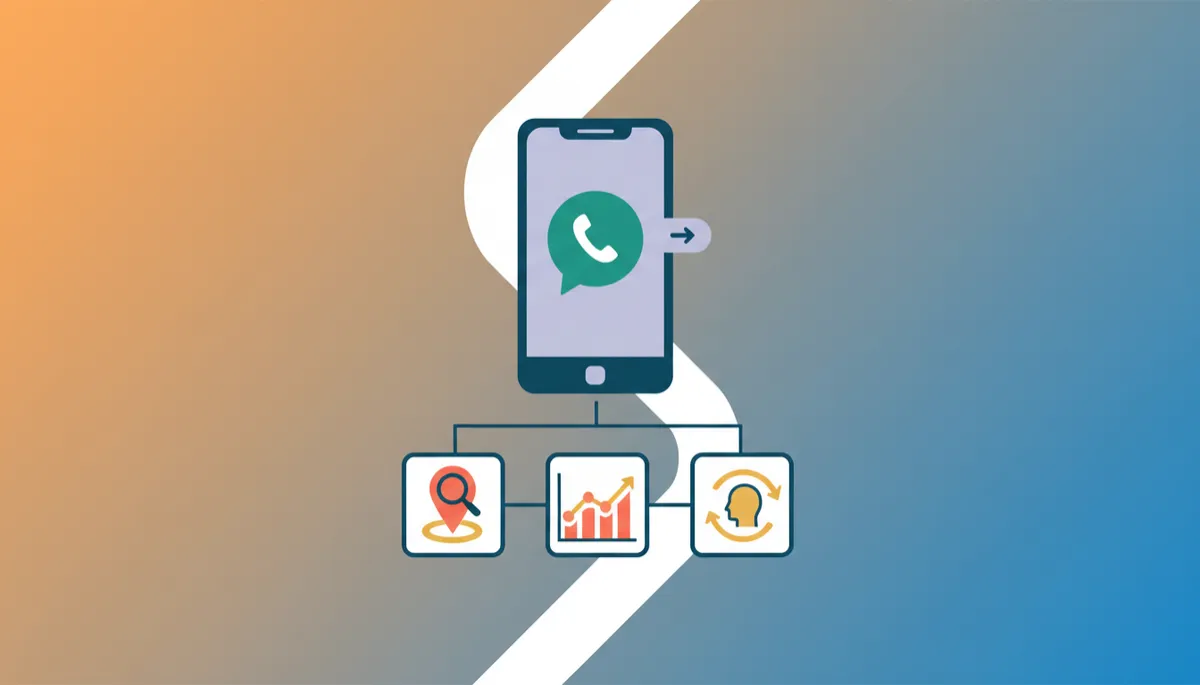
Track Calls & Actions on Google Business Profile
Local SEO, Google Business Profile
How to Track Calls and Customer Actions From Google Business Profile
If you rely on local customers, understanding what they do on your Google Business Profile is essential. The good news is that Google gives you simple tools to see who’s calling, clicking and visiting your website, all in one place.
Where to Find Call and Action Data
Start by logging into the Google account that manages your listing, then search for your business name on Google. You’ll see a management panel. Click on Performance. This is where most of your Google Business Profile performance tracking happens.
In the Performance view, choose your date range. You’ll see:
Calls – the number of phone calls made directly from your listing.
Website clicks – how many people clicked through to your site.
Direction requests – how many asked Google Maps for directions.
Turning Insights Into Action
Use these insights to spot patterns. For example, if calls spike on certain days, make sure your phone is well staffed. If many people request directions but few call, highlight walk-in offers in your description or posts.
Over time, regular Google Business Profile performance tracking helps you see which updates, photos or posts lead to more customer actions, so you can do more of what works and attract more local customers with confidence.
📌 Need help optimising your Google Business Profile? Stark Studio Media Concept can set up, audit or fully manage your listing so more local customers find and contact you. Call or WhatsApp us on 09128833274 or visit starkstudiomc.com.ng to get started.


